SOLIDWORKS_Toothbrush Design

Let´s design a toothbrush with SOLIDWORKS STEP 1. Create a New Part. Save the part with a new name as: Toothbrush and while you advance with the design work from time to time, don´t forget to click the Save icon. STEP 2. In the drawing view or from the model tree select the Front Plane... Continue Reading →

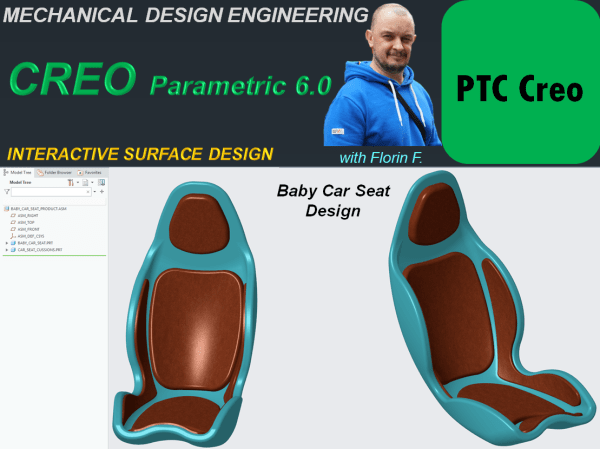
CREO PARAMETRIC 6.0 – INTERACTIVE SURFACE DESIGN_Baby Car Seat

Working with CAD software to create new products is a huge improvement in the modern design process versus the old times when the work had to be done simply by hand. The posibilities to do mechanical design today are way much better. A new product can be created with any of these CAD platforms available... Continue Reading →

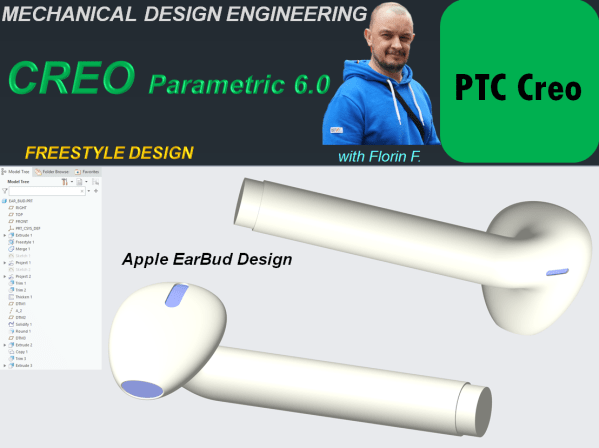
CREO PARAMETRIC 6.0 – FREESTYLE DESIGN_Apple Earbud

There are many objects which are commercially succesful if their design make them look attractive. Such example of products are those made by Apple. They use a lot of Freestyle design and one example here is the already well known Wireless Earbud. In this post I am showing you how this product can be designed... Continue Reading →

CATIA V5 – GENERATIVE SHAPE DESIGN – Bike saddle design

Generative Shape Design Workbench is an interactive environment and it works perfectly in combination with Part Design Workbench. Therefore to explore a bit more in details how does GDS works, let´s create a part which is only possible with GSD, such as a Bike Saddle. The most easier workbench to work with in any CAD... Continue Reading →

CATIA V5 – GENERATIVE SHAPE DESIGN – BOTTLE OPENER – 2 design versions

Working with CAD platforms is an engineering area in which the ideas for new concepts and imagination are unlimited. It is impossible to create fixed standards about how to design new products, which design features to be used and how to strictly organize the model tree structure. This is entirely up to the mechanical designer.... Continue Reading →

CATIA V5 – Relational Design Method – MOUSE DESIGN

Mechanical design exist for very long time. People have always created objects in different ways. Since the invention of CAD platforms mechanical design of things didn´t change the way how people imagine the objects they wish to create but these CAD platforms are today very powerful and even if it doesn´t really matter which such... Continue Reading →

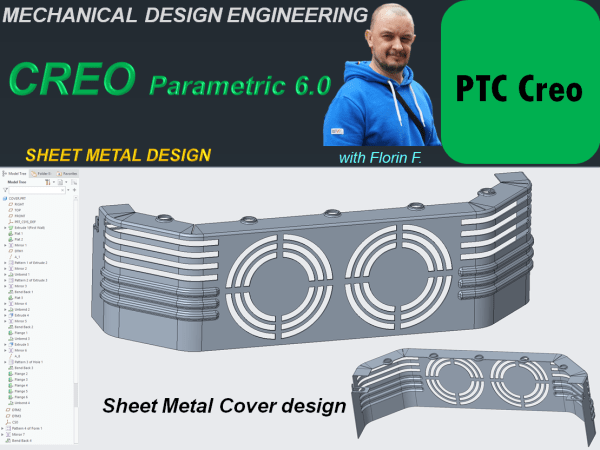
CREO PARAMETRIC 6.0 – SHEET METAL DESIGN_Sheet metal cover.

In manufacturing is often the case that parts are metalic and have a specific constant thinkness. In CAD of course no problem to design such a part but the work is much faster and effective is you don't design these parts using the standard way of doing it as Solid component but instead you do... Continue Reading →

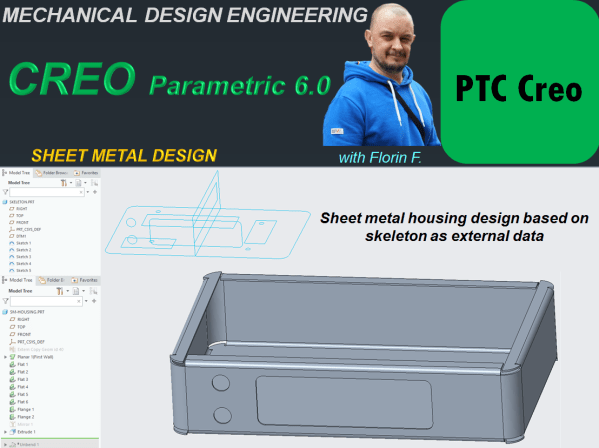
CREO PARAMETRIC 6.0 – SHEET METAL DESIGN_ Sheet metal housing design based on skeleton as external data

Depending on the project complexity the CAD work regarldless the CAD platform can be done in different apporaches. You can create a part completelly from skratch OR you can reuse some data already defined that can be reused for different other component parts of the project (for example to use data from a skeleton sketch... Continue Reading →

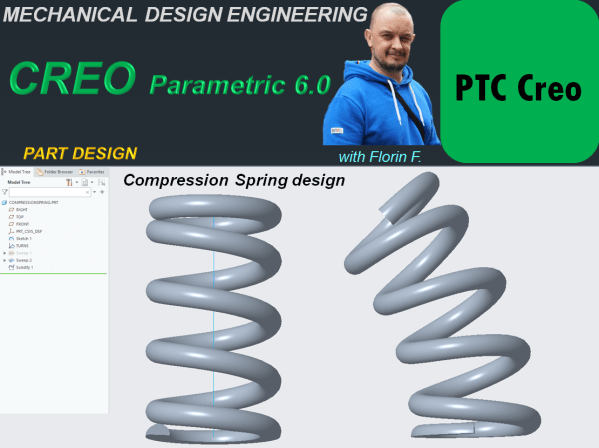
CREO PARAMETRIC 6.0 – PART DESIGN_Compression spring design.

Designing Helical Shapes such are Springs with variable pitches sometimes is a challenge, mainly for the beginners. But things are very simple to do & control, CREO Parametric is an excellent tool for that and in this post I will show you how to do such design work. Step 1. Create New Part I click... Continue Reading →

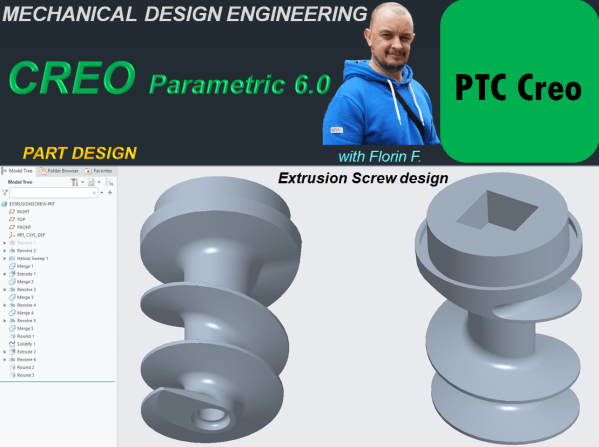
CREO PARAMETRIC 6.0 – PART DESIGN_Extrusion screw design

CREO Parametric it is indeed very Parametric CAD platform. Designing with CREO is super effective, it´s a pleasure to work with it, I love this software. It´s powerful, it´s fun, it´s user friendly and you can use it in any type of mechanical design projects. In this post I want to show you an example... Continue Reading →

Website Built with WordPress.com.

Up ↑